The prompt from the video
I Cloned TradingView and Made It FREE
The prompt
Get the Quant Terminal prompt
A TradingView-style charting app as one prompt for Claude Code or Codex. On Claude Code it takes about a minute to set up.
The one-shot prompt
Fill in the form to unlock it.
Become an AI trading wizard
“So there’s a guy on X, he went absolutely viral for reverse engineering TradingView. So I did it as well.”
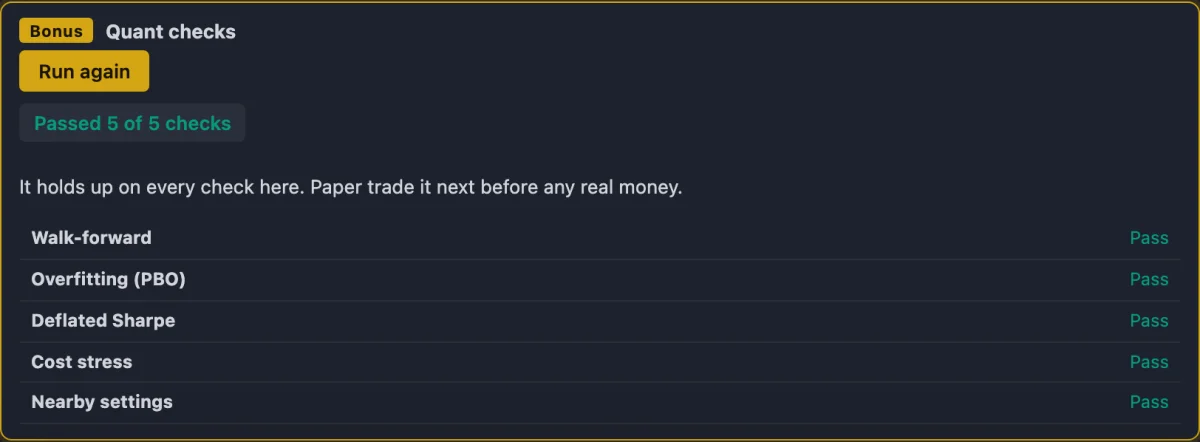
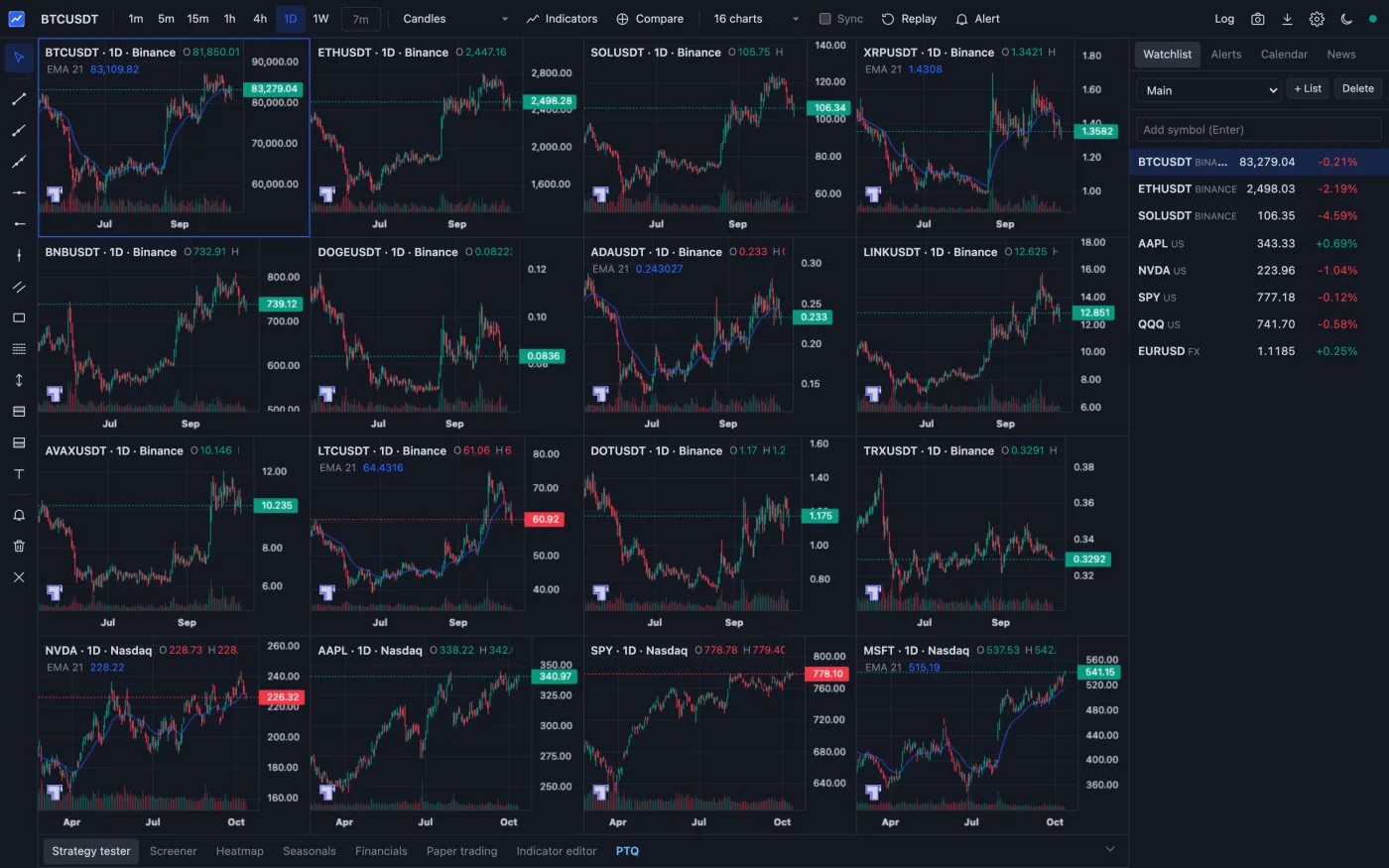
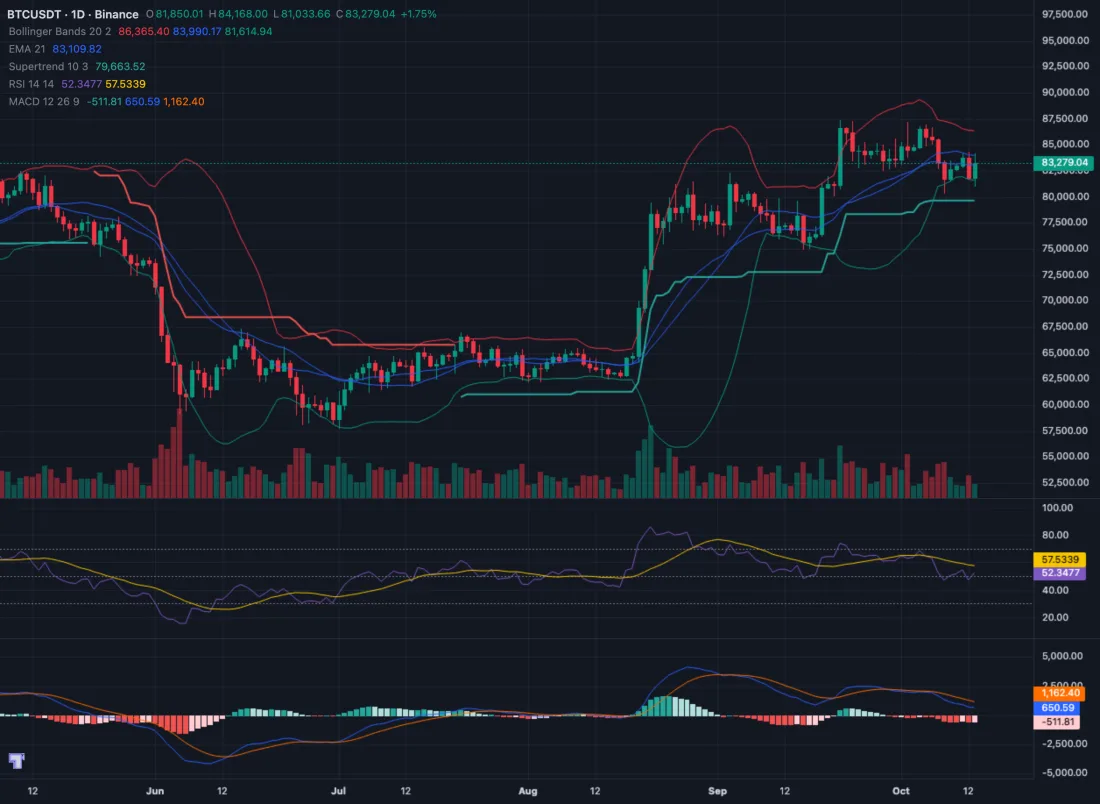
I rebuilt TradingView with Claude and called it Quant Terminal: up to 16 charts, 88 indicators with no cap per chart, alerts, bar replay, paper trading, and a strategy tester with the quant checks I use, so you can see if a backtest was luck. Paste one prompt into Claude Code or Codex and it runs on your own computer. No charge for the prompt or the app.
Your host

Inside Quant Terminal
Everything
you get.
11 features
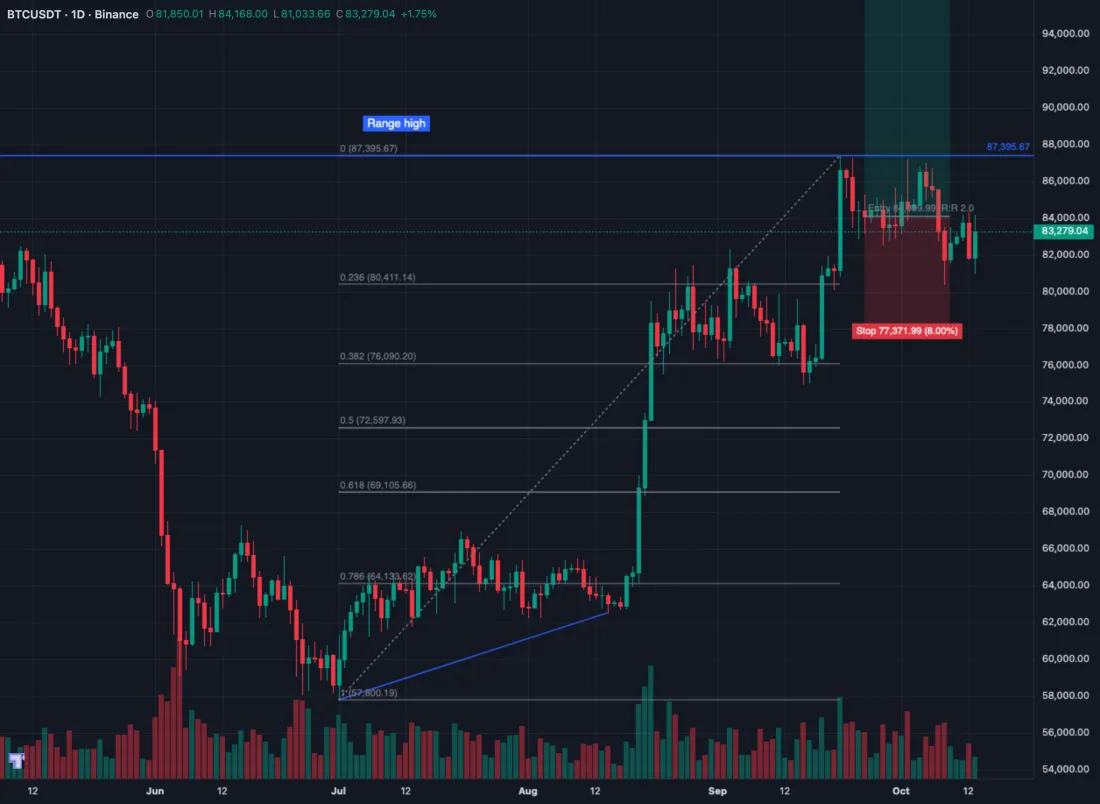
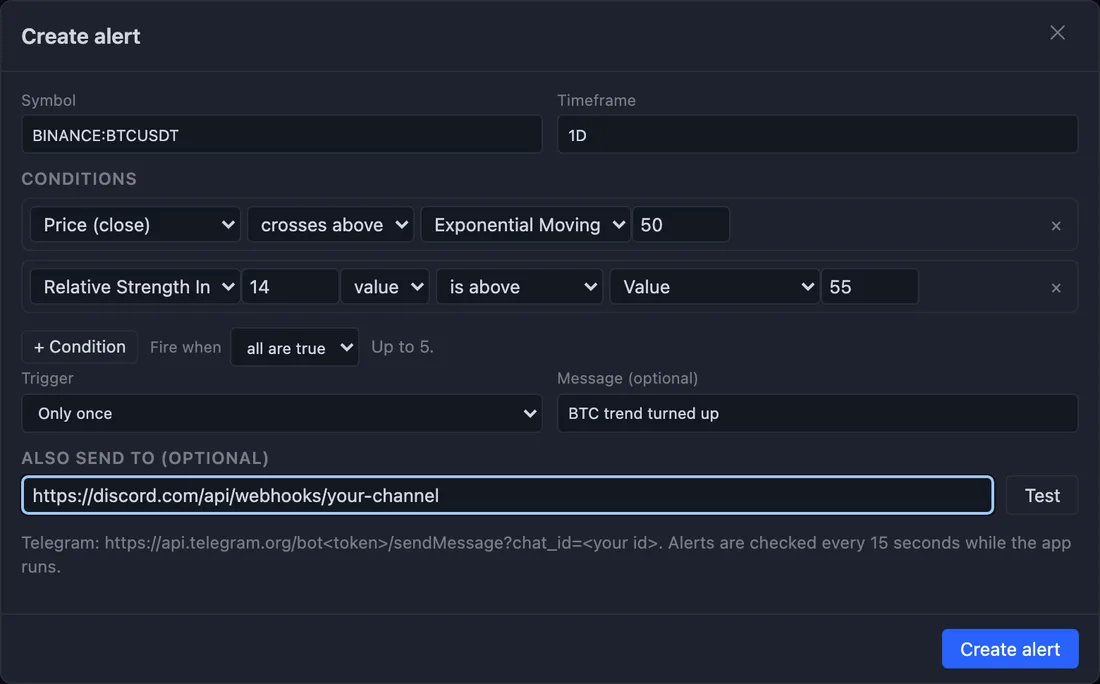
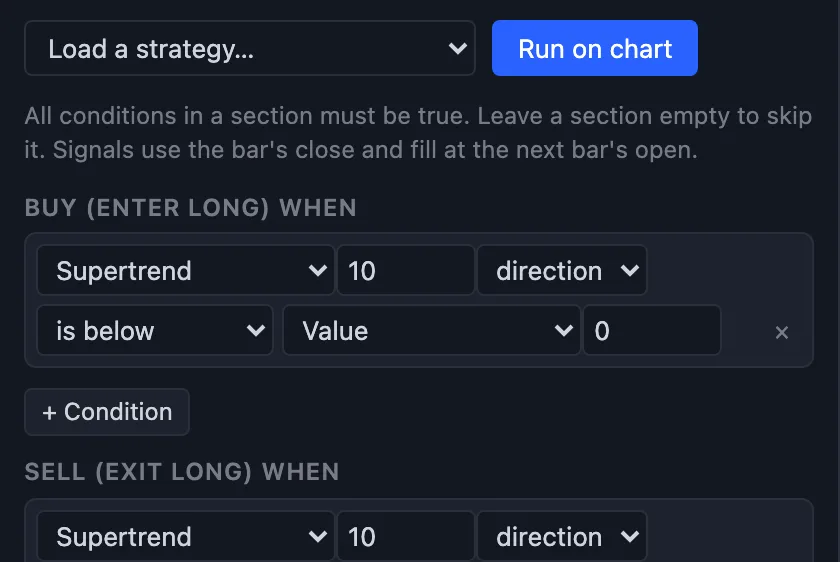
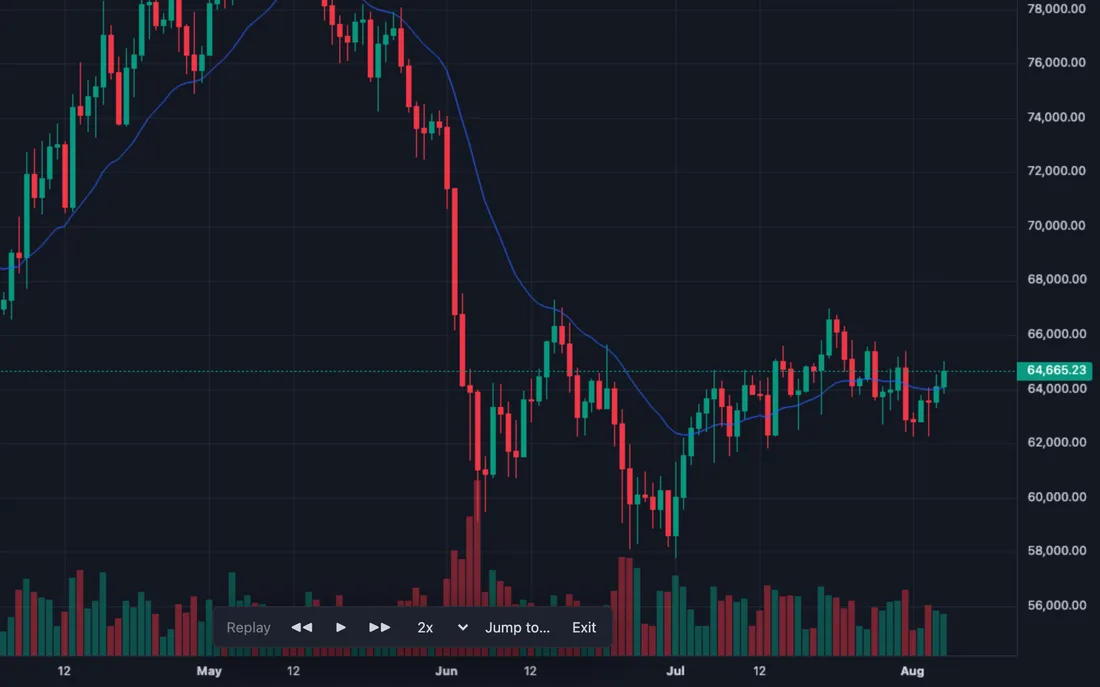
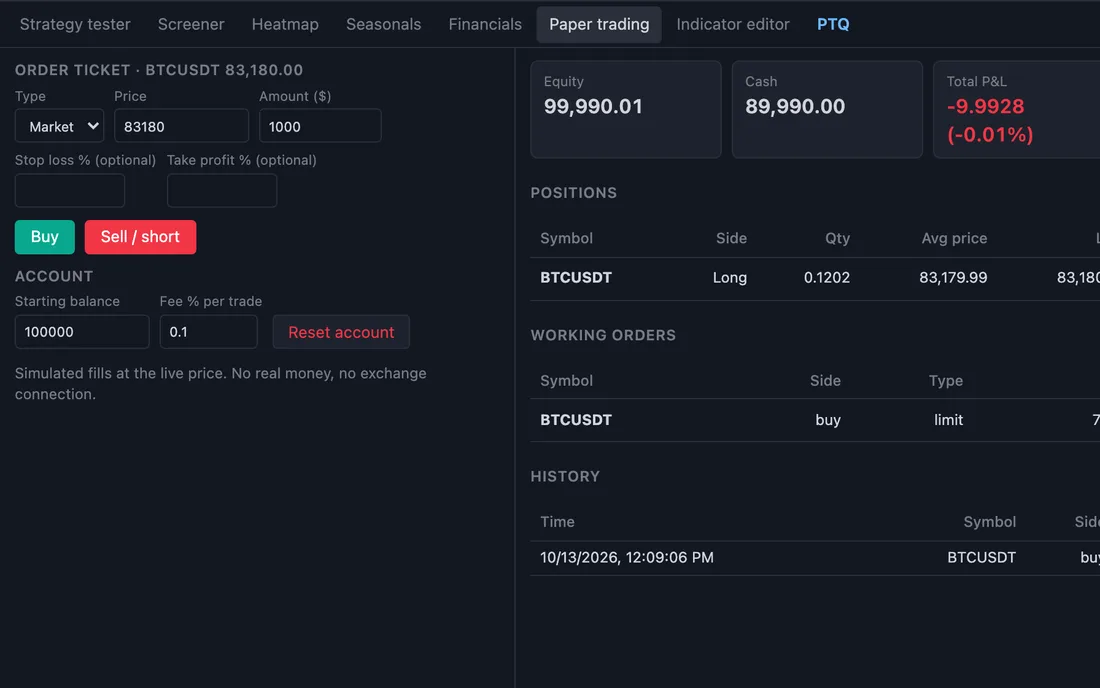
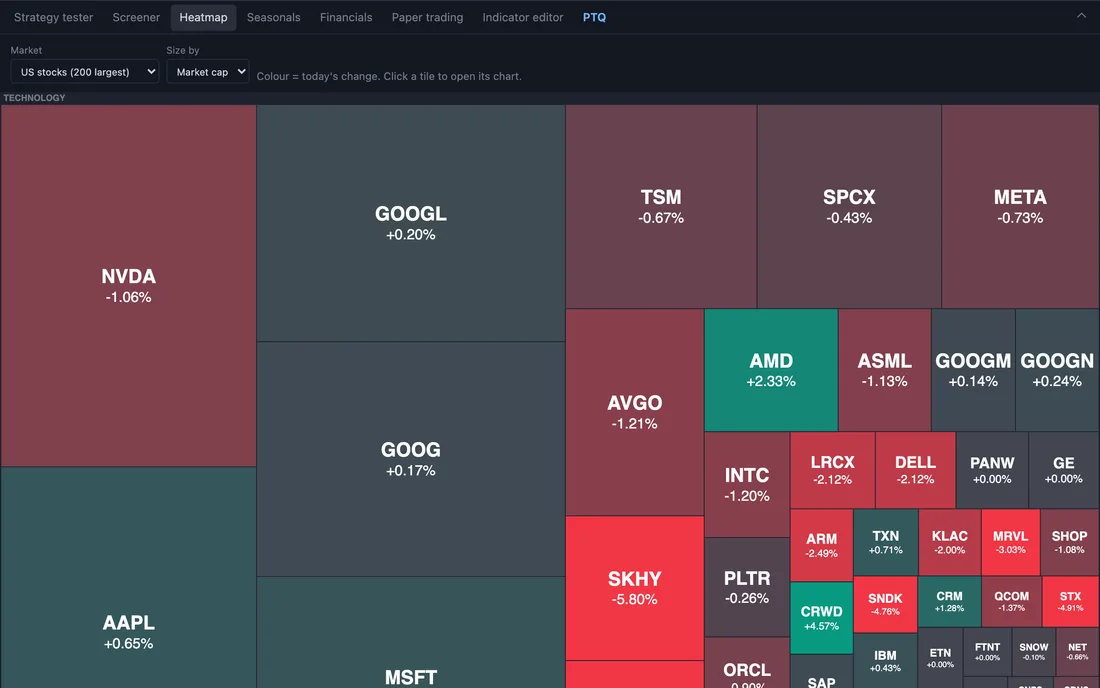
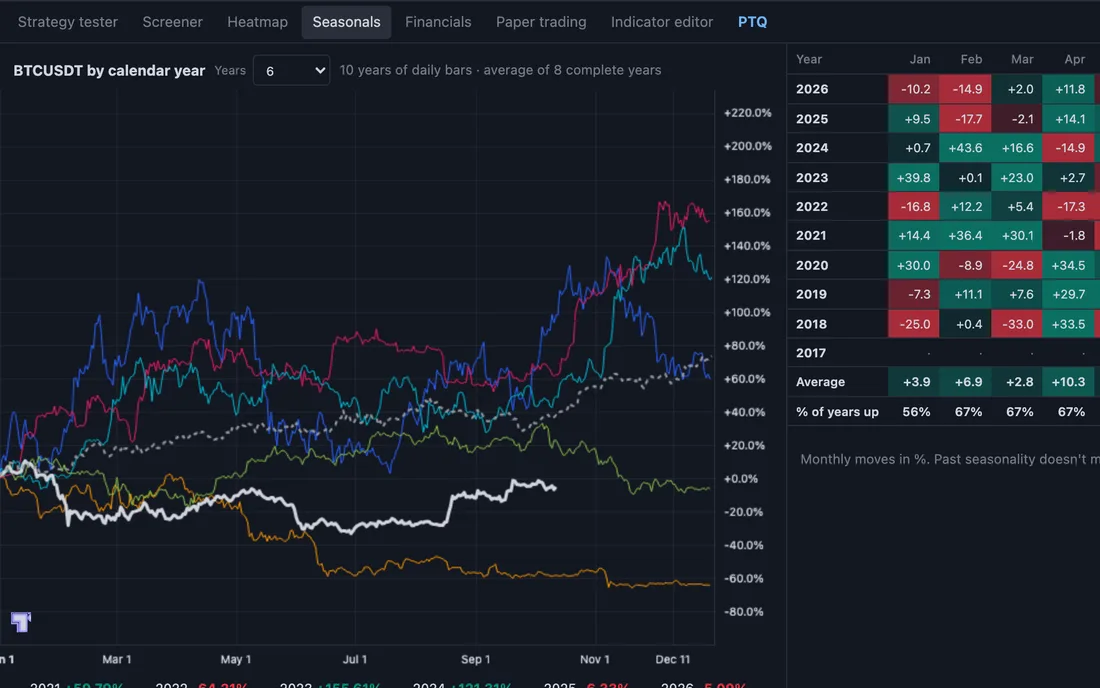
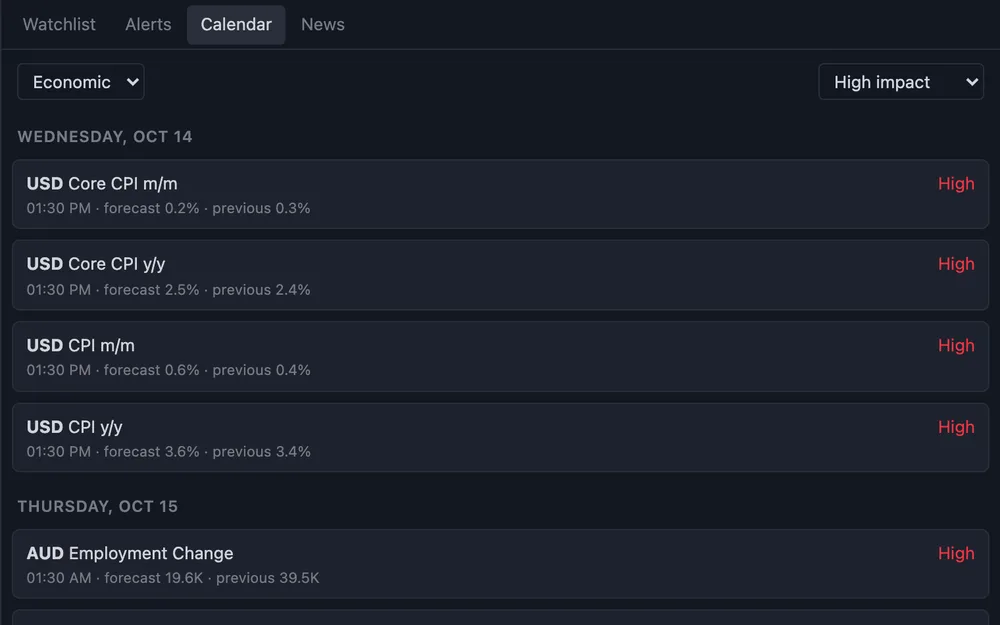
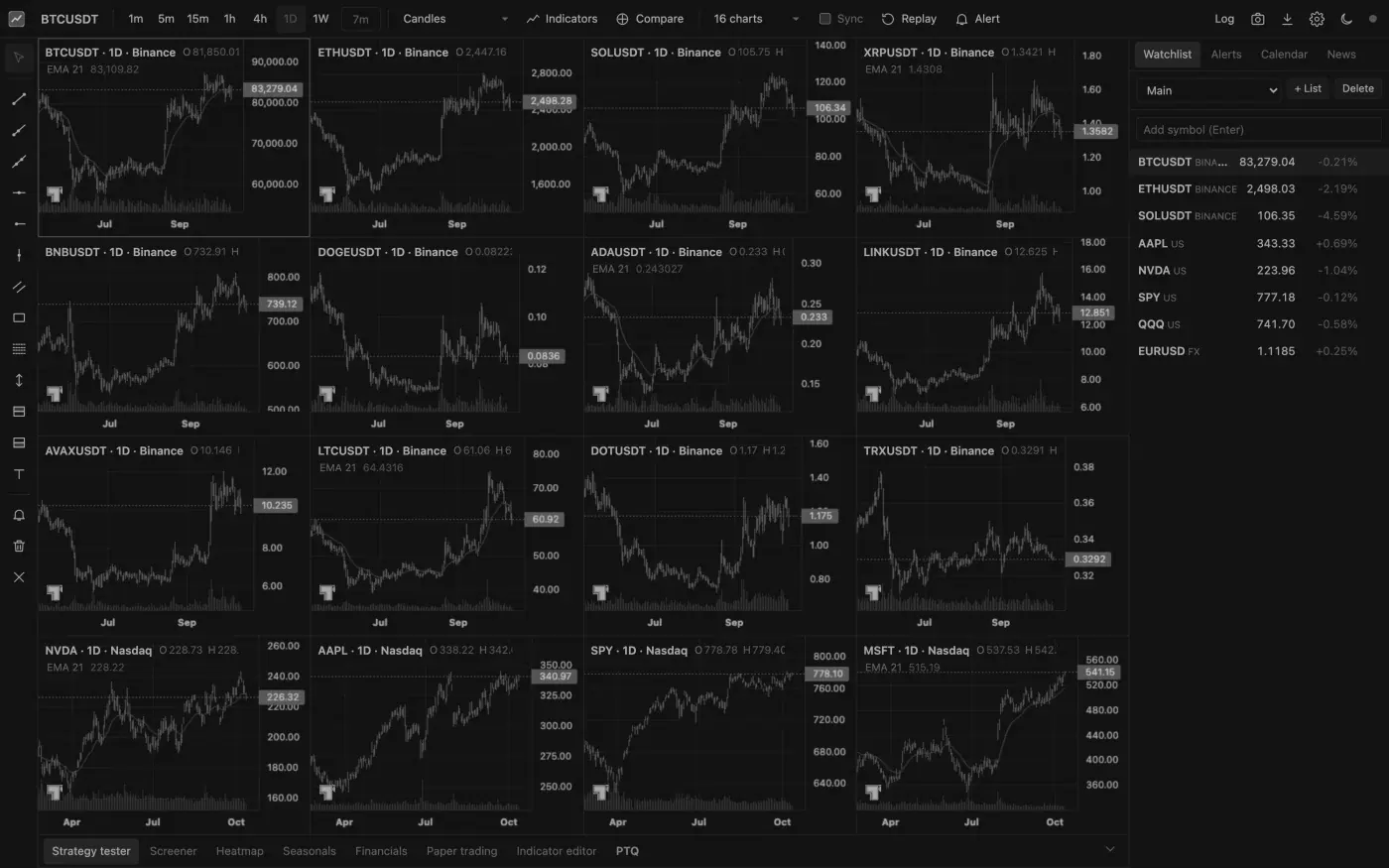
Questions
Before you run it.
01Does it cost anything?+
No charge for the prompt or the app. You need Claude Code or Codex to run the prompt, and those come with their own plans.
02Do I need to know how to code?+
No. You paste one prompt and the agent does the setup. If you would rather skip the agent, download the zip, unzip it and run npm start in the folder.
03How long does it take to set up?+
In my tests Claude Code finished in under a minute and Codex in about six. Most of that is the agent checking its own work. If your computer doesn’t have Node.js, the agent installs it first, after asking you.
04Does it work on Windows?+
Yes. The install is tested on Windows, Mac and Linux, with Node.js 18, 20, 22 and 24.
05Where does the market data come from?+
Public data from Binance, Coinbase, Kraken, Nasdaq and Yahoo Finance, plus Forex Factory for the calendar. It is not a paid exchange feed, so don’t rely on it to the second.
06Can it trade with real money?+
Not on its own. It paper trades and never connects to a broker.
07Where do my charts and alerts live?+
In a folder on your computer. Nothing is sent to me. The only outside calls are to the data sources above, for prices, and to any webhook you set up for alerts.
08Is this made by TradingView?+
No. I built it and it is not affiliated with TradingView. The charts use TradingView’s open-source Lightweight Charts library, so their small logo stays on the chart as that licence asks.
More videos · 5