The prompt from the video
I Gave JEV Control of a Trading Bot

The prompt
Get the Jev loop prompt
The whole loop as one prompt for Claude Code. It runs on your own computer, on Alpaca paper money.
The one-shot prompt
Fill in the form to unlock it.
Become an AI trading wizard
“You don’t interact with Jev, data interacts with it.”
Jev came out on 15 September. It doesn’t write text. You send it the state of the market and typed questions, and it sends back decisions with a confidence score in a few hundred milliseconds. I pasted one prompt into Claude Code and it built the whole loop: my code works out the market every tick, Jev answers seven typed questions in one call, my thresholds turn the answers into a buy or a sell, and hard risk limits can veto anything. It runs on your own computer, on Alpaca paper money.
Your host

Inside the Jev loop
What it builds,
what you need.
4 screens · 3 frames
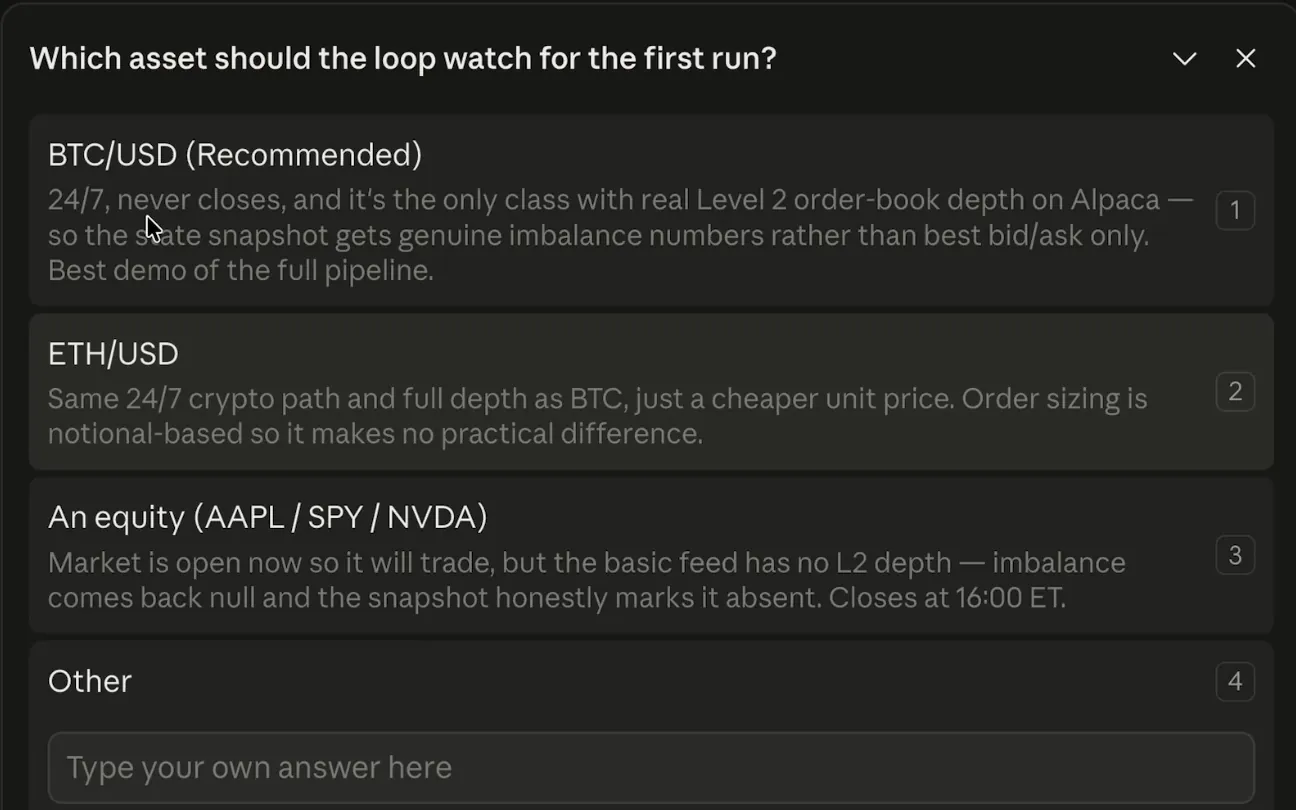
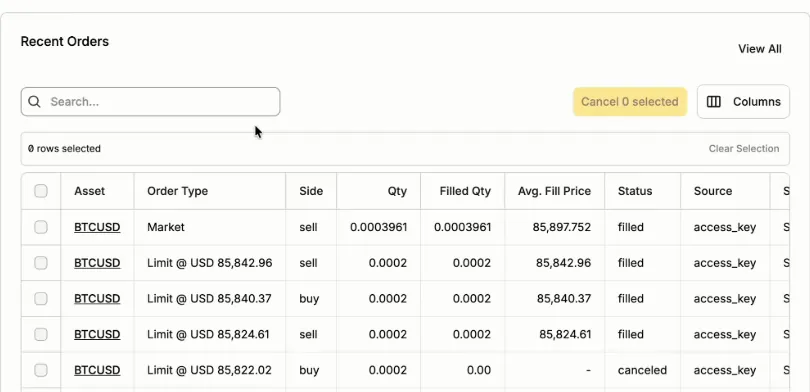
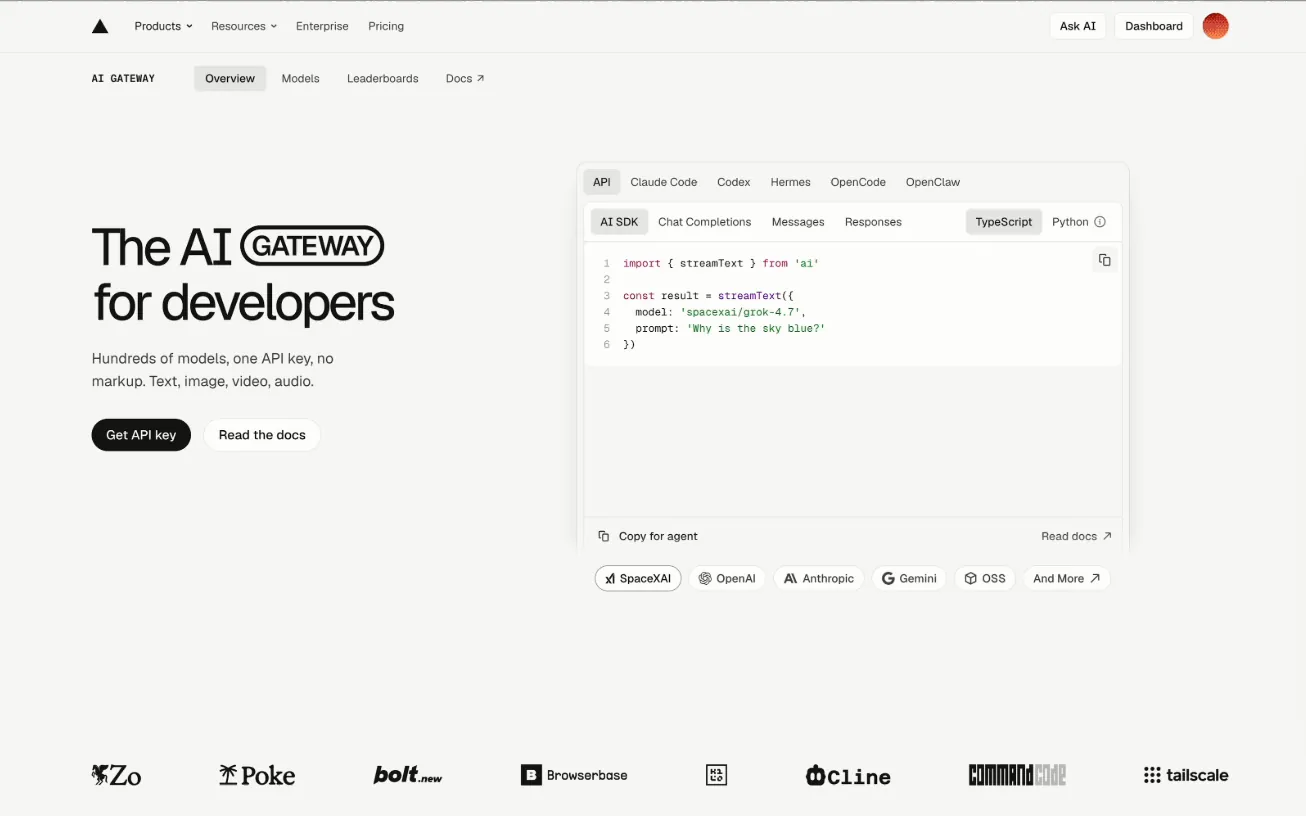


Questions
Before you run it.
01What does the prompt build?+
A trading loop that runs around the clock on your own computer. Every tick, your code works out the state of the market, Jev answers seven typed questions about it in one call, your thresholds turn the answers into a buy or a sell, and hard risk limits can veto anything. It comes with a live dashboard.
02Is it real money?+
No. It trades an Alpaca paper account by default, and no live keys go near it. Going live is a separate step the install never turns on for you.
03Do I need a TypeSafe invite?+
No. Vercel AI Gateway gets you to Jev today. It needs a card on your Vercel account before it answers, and a few dollars covers about a month. Until you add a key, it runs on a stand-in for Jev, and it tells you so.
04What does it cost?+
No charge for the prompt. Claude usage and a Jev key are separate.
05Which markets can it trade?+
What Alpaca offers: crypto pairs in US dollars, like BTC/USD, around the clock, and US stocks and ETFs while the market is open. It runs long or flat: a sell closes the position, and it can’t open a short. Ask it for MetaTrader, forex or futures and it says so before it builds anything.
06Does it work on Windows?+
Yes. It checks your system and your shell first, and it has a Mac, Windows and Linux form of every step. If something breaks, put it in the comments under the video. My team and I read all of them and we update the prompt from what you tell us.
07Is the strategy in the video any good?+
It’s a generic one, put in so you can watch the system work. The loop is the harness you plug a strategy into.
More videos · 5